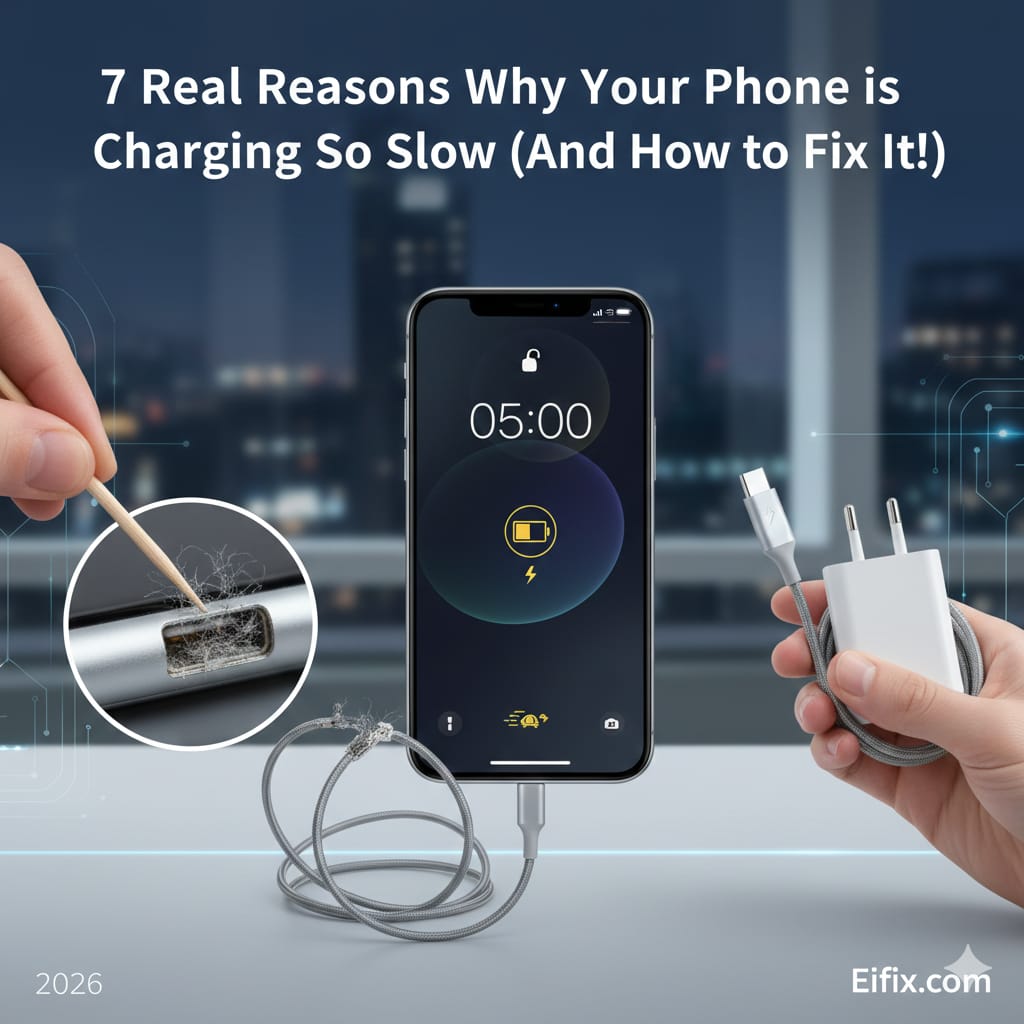
We’ve all been there. You plug in your phone, wait for an hour, and return only to see it has gained a measly 5% charge. It’s frustrating, especially when you’re in a hurry.
Before you rush to the store to buy a new battery or, worse, a new phone, take a deep breath. Most of the time, the issue is something simple that you can fix yourself in minutes
Based on my years of tinkering with gadgets, here are the most common reasons why your phone charges slowly and how you can get it back to its full speed.
1. Your Charging Cable is the culprit.
The #1 reason for slow charging is a faulty cable. USB cables take a lot of abuse—they get bent, twisted, and stepped on. Even if the cable looks fine on the outside, the tiny wires inside might be frayed.
The Fix: Try a different high-quality or original cable. If the new cable charges your phone faster, you’ve found your winner!
2. A Weak Power Source
Are you charging your phone via your laptop’s USB port or a car’s dashboard? These sources provide very low amperage. A laptop port usually delivers about 0.5A, whereas a modern wall charger provides 2.0A or more.
The Fix: Always use a wall outlet. It provides a direct and strong flow of electricity to your device.
3. There is “Pocket Lint” in Your Charging Port
This is my favorite “secret” fix. Your phone spends a lot of time in your pocket or bag, where it collects tiny bits of lint and dust. Over time, this debris gets compressed inside the charging port, preventing the cable from making a solid connection.
The Fix: Take a wooden toothpick or a small plastic pin and gently scoop out the lint. You’ll be surprised at how much gunk comes out!
4. Background Apps are Draining Power
If your phone is working hard while it’s trying to charge, it will charge much more slowly. Apps like Facebook, Snapchat, or GPS trackers often run in the background and suck up energy.
The Fix: Close all your apps before plugging in. Better yet, turn on Aeroplane Mode; it shuts off the radio signals (Wi-Fi, Bluetooth, Cellular) and speeds up the charging process significantly.
5. You are Using the Phone While Charging
I know it’s tempting to scroll through TikTok or play a game while plugged in, but this is a double-whammy. It generates heat and consumes the energy exactly as it’s being delivered.
The Fix: Give your phone a break. Let it sit idle for 30 minutes. You’ll notice a huge difference in speed.
6. Your Adapter is Outdated
Not all “bricks” are created equal. If you are using an old adapter from a phone you had five years ago, it likely doesn’t support Fast Charging.
The Fix: Check the “Output” text on your adapter. If it says something low like 5V/1A, it’s time to upgrade to a 20W or 30W fast charger (ensure your phone supports it first!).
7. Battery Health is Declining
If you’ve had your phone for more than 2-3 years, the battery might simply be reaching the end of its life. Lithium-ion batteries have a limited number of “cycles.”
The Fix: * iPhone: Go to Settings > Battery > Battery Health.
Android: Use an app like AccuBattery to check your health. If it’s below 80%, you might need a professional battery replacement.
Final Thoughts
In most cases, a slow-charging phone isn’t broken—it’s just dirty or using the wrong accessories. Start by cleaning the port and swapping the cable; 90% of the time, that solves the problem.
Did one of these fixes work for you? Or did you find a different solution? Let me know in the comments below!